The creator notebook · 01
Make your idea
easier to see.
A clear image starts a better conversation. Turn a rough idea into a small set of concept visuals and a short film people can understand.
Start with the story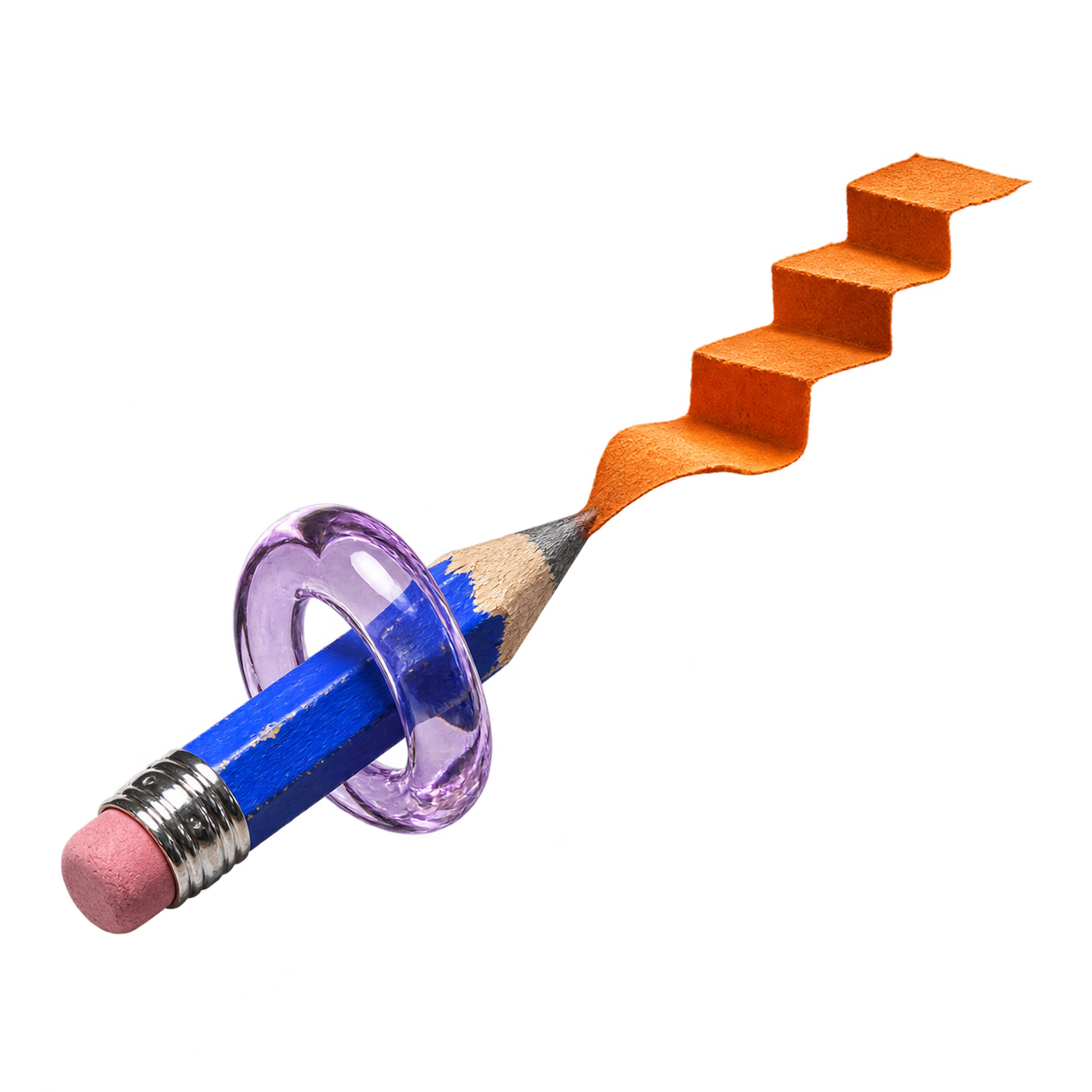
EPISH concept artwork
One idea. Four useful steps.
Show the idea.
Keep the story honest.
Start with one sentence.
What is it, who is it for, and what problem would it solve? Name the parts you have tested and the parts you still need to explore.
“A compact reading lamp that would clip to a shelf, for people who need a little light without losing desk space.”
Make three views work together.
Create a clear hero image, a scene showing the intended use, and a close-up of one important detail. Keep the shape, materials and proportions consistent. Start with your own sketch, photo or reference image.
Check the output against your idea. If the design changes between images, fix it before building a story around it.
Add one short, deliberate shot.
Animate a chosen image with a slow camera move and one simple action. A 10–15 second concept film can communicate the intended experience without a long production.
Watch the whole result. Check shape changes, impossible movement and details the model invented. Keep only what accurately communicates your concept.
Give people something real to respond to.
Label generated imagery as concept visuals. Explain what exists today, what is still proposed, and the specific feedback you need. A render can explain a design; prototype tests establish whether it works.
“Concept visual — not a working prototype. Would this fit where you read? What would make the clip more useful?”
A starting point
A prompt you
can make your own.
Replace the bracketed details. Use only references you own or have permission to use. Review the result before sharing.
Create a product-concept image of [idea] for [person and situation]. Use my reference to preserve [shape, proportions and key details]. Show [one clear view] with [materials and lighting]. Keep the background simple. Do not add logos, certification marks, performance claims or invented features.
For the film: preserve the product design, use a slow [camera move], show [one simple action], and keep the background stable.
One tool we use
Try the workflow
with 
EPISH uses Higgsfield for some image and video generation. You can use it separately to develop concept imagery and films, then bring the visuals into your project.
Affiliate disclosure: EPISH may earn a commission if you subscribe through this link.
Explore Higgsfield (opens in a new tab)An optional external service. A Higgsfield subscription is separate from EPISH credits and generation allowances. Check Higgsfield’s current prices and terms before subscribing. You can also use your own photos, sketches or other creative tools.